
Color Splash Pro: Selective Color Photo Editor Online
Reveal vibrant colors in black & white photos with Color Splash Pro. Use brush, lasso, or rectangle tools to selectively colorize. Features adjustable opacity, hardness, zoom, undo, and export. 100% private, runs locally in your browser with no uploads.
Color Splash Pro
Reveal colors from a black & white photo with a controllable brush. Everything runs locally in your browser.
Click a pixel to select similar pixels. Adjust Tolerance to grow or shrink the selection.
or click "Select Image" on the left
Supports JPG, PNG, WEBP
Paint to reveal the original colors
Draw any freehand shape to colorize
Click similar pixels to select them
Use the eraser to return to B&W
Mouse wheel to zoom in/out
R / L / W / B / E / H for modes · [ / ] brush size
Hold C to compare with the full color original
Color Splash Pro: The Ultimate Selective Color Photo Editor Online
Transform your black and white photography with our advanced color splash tool. Designed for photographers, designers, and creative enthusiasts, this selective color editor allows you to effortlessly reveal color in black and white photos directly in your browser. Whether you want to highlight a specific subject, create dramatic artistic effects, or restore vibrant hues to a vintage image, our platform provides professional-grade controls with absolute privacy.
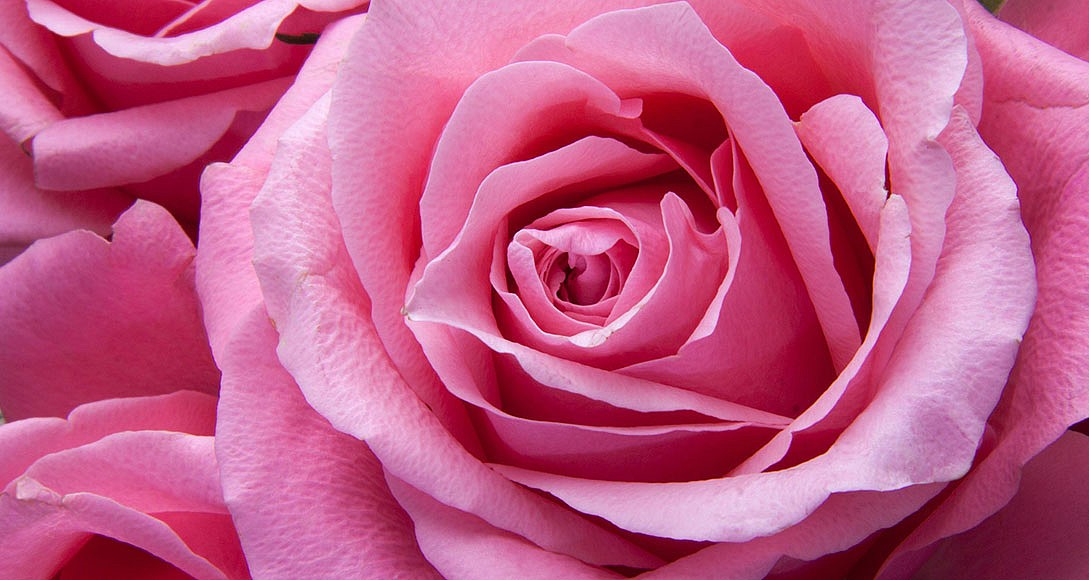
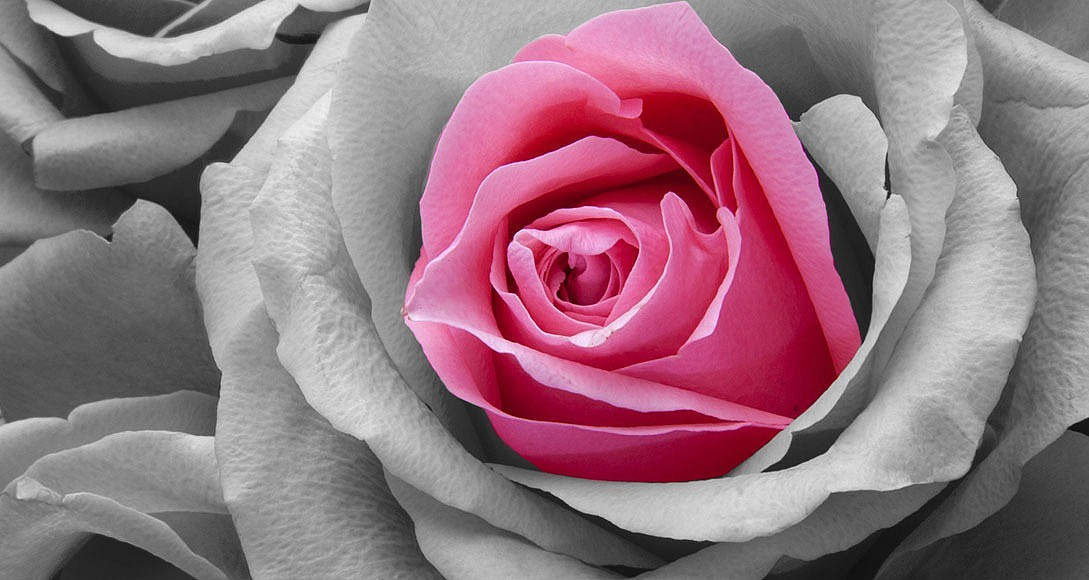
Privacy First: Unlike other online editors, this is a local browser image editor. Your images are processed entirely on your device. No uploads, no server storage, and no data tracking. Your photos remain 100% private and secure.
Key Features of Our Free Online Photo Editor
Our tool is packed with professional features to give you complete creative control over your images.
| Feature | Description |
|---|---|
| Precision Brush Tool | Paint over specific areas to highlight color in photo compositions with adjustable size, hardness, opacity, and shape. |
| Lasso and Rectangle Selection | Quickly isolate complex shapes or geometric areas to colorize photo regions instantly without manual painting. |
| Real-Time Adjustments | Fine-tune your results with built-in brightness, contrast, and saturation sliders for a polished final look. |
| Advanced Zoom and Pan | Navigate high-resolution images effortlessly with smooth zooming, panning, and a minimap navigator for precise editing. |
| Non-Destructive Editing | Full undo and redo history ensures you can experiment freely without losing your original black and white base. |
| Instant Export Options | Download your masterpiece in high-quality PNG or JPEG formats, or copy directly to your clipboard for immediate sharing. |
How to Use the Selective Color Editor
Getting started is simple and requires no software installation. Follow these steps to reveal color in black and white photos in seconds:
- Upload Your Image: Click the upload button or drag and drop your JPG, PNG, or WEBP file into the workspace.
- Choose Your Tool: Select the Brush for detailed work, the Rectangle tool for straight edges, or the Lasso tool for freehand selections.
- Adjust Brush Settings: Customize the brush size, hardness, and opacity to match the contours of your subject perfectly.
- Paint to Reveal: Click and drag over the black and white areas to expose the original vibrant colors underneath.
- Fine-Tune and Export: Use the adjustment sliders to perfect the lighting, then download your edited image or copy it to your clipboard.
Why Choose This Privacy Focused Image Editor?
When searching for a black and white to color online solution, security and performance matter. Our platform stands out for several critical reasons:
- Zero Data Uploads: All processing happens locally on your device using advanced HTML5 Canvas technology.
- Lightning Fast Performance: Experience zero lag, even with high-resolution images, thanks to optimized client-side rendering.
- Professional Grade Controls: Move beyond basic filters with granular control over color intensity, brush dynamics, and image transformations like rotation and flipping.
- Completely Free: Access all premium features of this free online photo editor without watermarks, subscriptions, or hidden fees.
Frequently Asked Questions
What is a color splash effect?
A color splash effect is a popular photo editing technique where an image is converted to black and white, but specific subjects or areas are kept in their original vibrant colors to draw the viewer's attention.
Is this tool really free to use?
Yes. This is a completely free online photo editor. You can use all features, including high-resolution exports, without any watermarks or registration requirements.
Will my photos be saved on your servers?
No. This is a strictly privacy focused image editor. Your files never leave your computer. The tool runs entirely in your web browser, guaranteeing total confidentiality.
Can I undo my edits if I make a mistake?
Absolutely. The tool includes a comprehensive undo and redo history, allowing you to step backward or forward through your edits at any time.
What image formats are supported?
You can upload and edit JPG, PNG, and WEBP files. When you are finished, you can export your final image as a high-quality PNG or JPEG.