
Image Cropper Online: Crop, Resize & Edit Images Instantly
Crop and trim images quickly. Choose preset ratios or custom dimensions to perfect composition.
How It Works: Upload your image, drag to select the area to keep, and download the cropped version immediately.
Drag & Drop Images
or click to browse files
Crop Settings
Processing image...
Upload an image to start cropping
Upload an image to start
Crop area will be shown here
Uploaded Files
No images uploaded yet
Upload images to get started
Crop Complete!
Crop images online for free to remove unwanted areas, improve composition, and prepare pictures for web, social media, print, or design projects.
The Image Cropper Online Free tool helps you trim images quickly and precisely without needing editing software. Cropping allows you to remove unnecessary edges, focus attention on the important part of the image, and resize visuals to fit specific layouts or platform requirements.
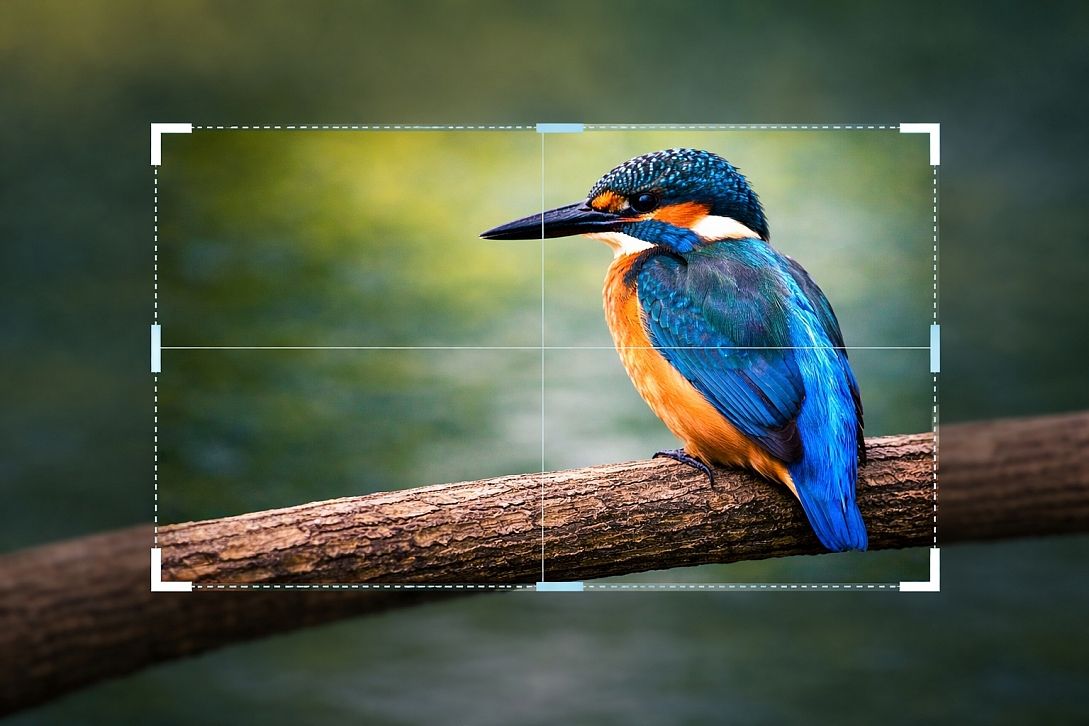
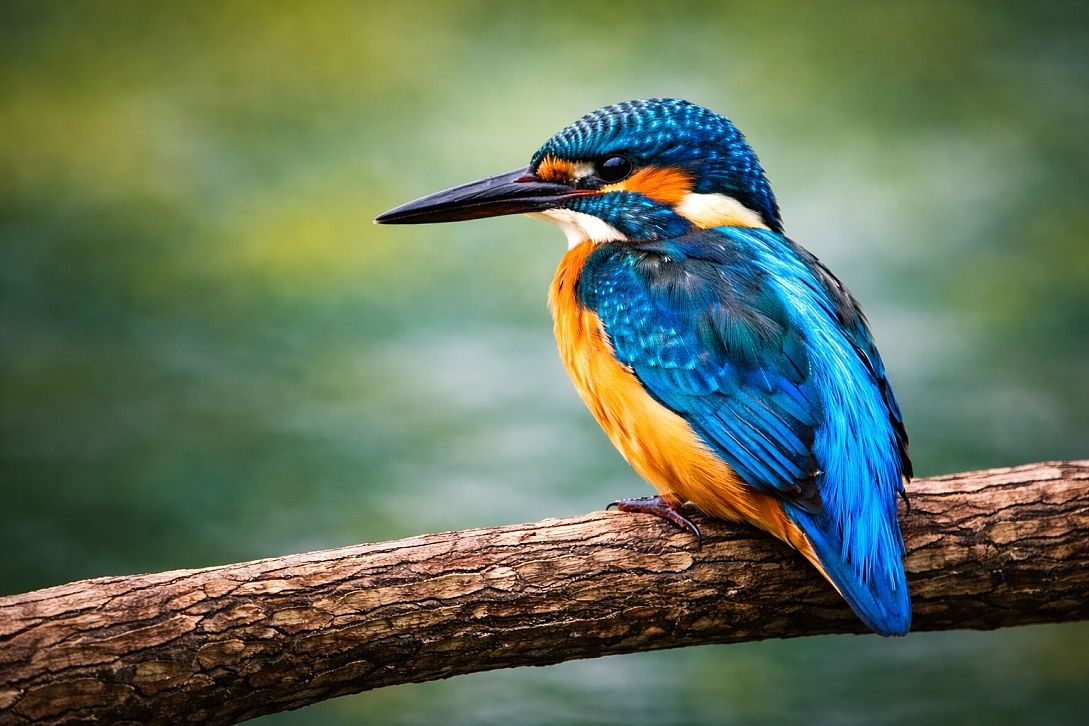
Whether you are preparing images for a website, social media post, product listing, profile photo, presentation, or print project, this tool makes it easy to crop your image in just a few steps. It is fast, browser-based, and designed for simple image editing without downloads or complicated settings.
What Is Image Cropping?
Image cropping is the process of cutting away the outer parts of an image to improve its framing, remove distractions, or change its dimensions. Instead of resizing the whole image, cropping keeps the selected area and removes the rest.
Cropping is commonly used to:
- Improve composition and focus
- Remove unwanted background areas
- Fit images into the required dimensions
- Create thumbnails, banners, or profile pictures
- Prepare visuals for websites, social media, and print
It is one of the simplest and most useful forms of image editing.
How It Works
Upload your image, select the area you want to keep, and the tool removes the unwanted outer sections. You can adjust the crop area manually and then download the final cropped version instantly.
- Upload your image
- Select the crop area
- Adjust the frame to fit your needs
- Apply the crop
- Download the final image
Key Features
- Free Online Image Cropping: Crop pictures quickly without installing software.
- Simple Selection Tool: Choose exactly which part of the image to keep.
- Useful for Web and Social Media: Prepare images for websites, posts, banners, and profile photos.
- Clean, Browser-Based Editing: Works online from your browser.
- Fast Export: Download the cropped image in seconds.
Why Crop an Image?
Cropping helps improve visual quality and usability. A well-cropped image can make a subject stand out more clearly, remove clutter, and better fit the size or shape needed for your design or platform.
For example, cropping can help when:
- A subject is too far from the centre
- The image includes distracting background details
- You need a square or rectangular image format
- You want to optimise the composition for a cleaner look
Common Image Crop Uses
- Creating profile pictures and avatars
- Preparing social media posts and story images
- Making product photos fit online store layouts
- Adjusting website banners and thumbnails
- Removing unwanted edges or objects from the frame
- Preparing images for presentations and print materials
Common Crop Shapes and Formats
Different platforms and designs often need different crop shapes or aspect ratios. Some common examples include:
| Format | Common Use |
|---|---|
| 1:1 | Square profile pictures and social posts |
| 4:5 | Portrait social media posts |
| 16:9 | Website banners, video thumbnails, and widescreen graphics |
| 9:16 | Mobile stories and vertical video covers |
| 3:2 | Photography and print layouts |
If you also need to work with proportional dimensions, you may find the Aspect Ratio Calculator Online useful.
Example Use Cases
- Profile photo: Crop a headshot into a clean square format
- Online store: Centre and trim product images for a consistent layout
- Blog post: Crop a header image to fit a banner space
- Social media: Remove unwanted background and focus on the main subject
When to Use This Tool
- When you need to remove unwanted parts of a photo
- When an image must fit a specific layout or size
- When preparing visuals for social media or websites
- When improving composition without complex editing software
- When creating cleaner, more focused image content
Why Use This Tool
Manual image editing software can be slow and unnecessary for simple crop tasks. This tool provides a faster way to trim images directly in your browser, making it ideal for quick edits, content creation, and everyday design work.
It is useful for bloggers, designers, marketers, e-commerce sellers, students, businesses, and anyone who needs a simple way to crop images online for free.
Image Cropper vs Other Tools
- Image Cropper: Removes unwanted parts of an image to focus on a specific area or composition
- Image Enhancer: Improves overall quality (lighting, colour, clarity)
- Image Sharpener: Enhances edge detail and clarity
- Image Compressor: Reduces file size for faster loading
For best results, crop your image first to remove unwanted areas, then enhance or compress it depending on your needs.
Frequently Asked Questions
What does cropping an image do?
Cropping removes unwanted outer areas of an image while keeping the selected part you want to use.
Will cropping reduce image size?
Yes. Cropping usually reduces the overall dimensions of the image because part of the original picture is removed.
What is the difference between cropping and resizing?
Cropping removes parts of the image, while resizing changes the dimensions of the entire image.
Can I crop an image to a square?
Yes. Cropping to a square is common for profile pictures, avatars, and social media posts.
Will cropping affect image quality?
Cropping itself does not reduce the quality of the selected area, but the final image will contain fewer pixels because part of the original image is removed.
Can I use this tool on mobile?
Yes, as long as the tool is supported in your mobile browser, you can crop images on phones and tablets as well as desktop devices.
Is this image cropper free?
Yes. This tool is designed to let you crop images online for free without needing editing software.