
Favicon Generator Online: Create Website Icons in All Sizes
Generate complete favicon sets for your website, including ICO and PNG files, along with HTML code for embedding.
How It Works: Upload a logo, image, or text & get all necessary favicon sizes plus HTML markup in one step.
Drag & Drop Image
or click to browse files
Favicon Settings
Generating favicons...
Upload an image to start
Favicon Preview


Create a favicon online quickly and generate the small website icon needed for browser tabs, bookmarks, and app shortcuts.
The Favicon Generator Online helps you create favicon files for your website from an image, logo, or icon. A favicon is the small graphic that appears in browser tabs, bookmarks, history lists, and sometimes mobile home screen shortcuts, helping users instantly recognise your site.

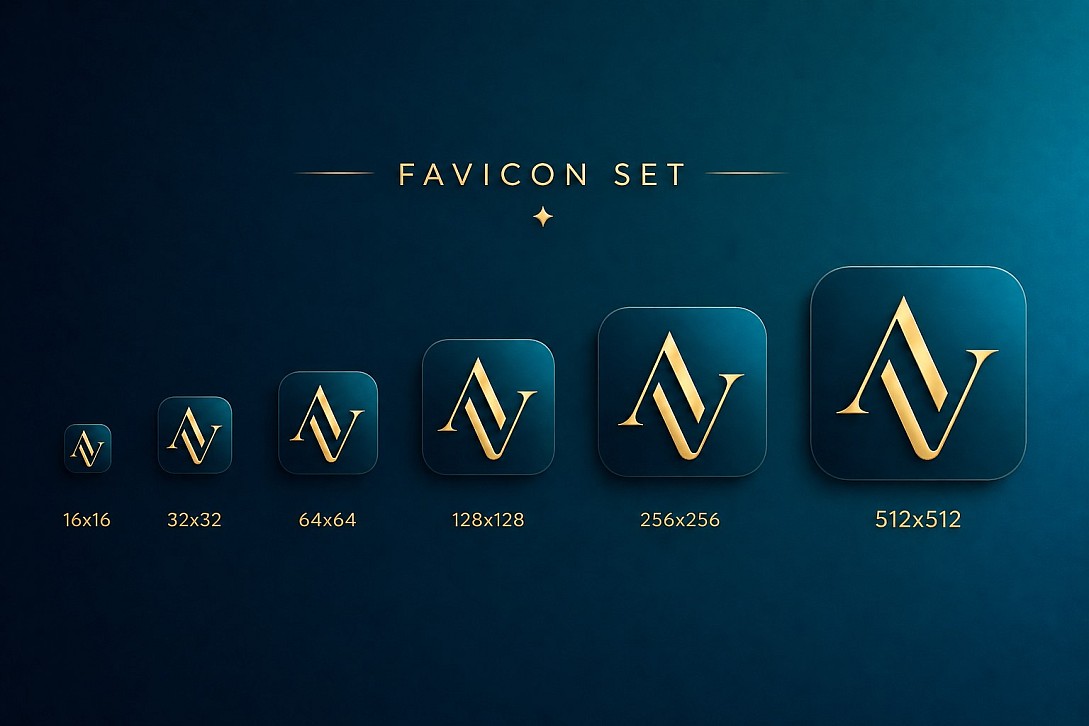
Although favicons are tiny, they play an important role in branding, professionalism, and usability. A clean favicon makes your website look more polished and helps it stand out when visitors have many tabs open. This tool makes it easy to generate the right favicon format and sizes without needing design software.
What Is a Favicon?
A favicon is a small icon associated with a website or web page. It usually appears:
- In browser tabs
- In bookmark lists
- In the browser history
- On mobile shortcuts and app-like saved pages
The term “favicon” comes from favourites icon, but today it is widely used as the standard website icon across browsers and devices.
Favicons are often created from a business logo, brand mark, initials, or a simplified symbol that remains clear even at small sizes.
How It Works
Upload your image or logo, and the tool converts it into favicon-ready output for use on your website. Depending on the tool settings, it can help generate the right format, sizes, and icon files needed for modern browsers and devices.
- Upload your logo or image
- Adjust the icon if needed
- Generate favicon output
- Download the favicon file or package
- Add it to your website header or root directory
Key Features
- Fast Favicon Creation: Generate a favicon online in seconds.
- Supports Website Branding: Turn logos or icons into a browser-ready favicon.
- Useful for Multiple Devices: Prepare icons for desktop browsers and mobile use.
- Simple, Browser-Based Tool: No design software required.
- Easy Download: Get favicon files ready to add to your website.
Common Favicon Sizes
Different browsers, devices, and platforms may use different icon sizes. Some common favicon dimensions include:
| Size | Common Use |
|---|---|
| 16 × 16 | Browser tabs and basic favicon display |
| 32 × 32 | Bookmarks, browser UI, higher-resolution display |
| 48 × 48 | Desktop shortcuts and some browser uses |
| 180 × 180 | Apple touch icon for iPhone and iPad |
| 192 × 192 | Android home screen icon |
| 512 × 512 | Progressive web apps and high-resolution app icons |
Using the right sizes helps ensure your icon looks sharp across browsers and devices.
Best Practices for Favicons
- Use a simple design that stays clear at very small sizes
- Avoid too much text or fine detail
- Choose high contrast so the icon remains visible in browser tabs
- Use a square image or logo for best results
- Test the favicon on both light and dark browser themes if possible
When to Use It
- Launching a new website
- Updating your site branding
- Creating browser icons from a logo
- Preparing icons for mobile home screen shortcuts
- Making a site look more polished and professional
Why Use This Tool
Creating favicons manually can be fiddly, especially when you need the right format and multiple sizes for different browsers and platforms. This tool saves time by helping you generate a clean favicon from an existing logo or image quickly and easily.
It is useful for website owners, bloggers, designers, developers, agencies, and anyone who wants their site to have a professional visual identity.
Example Use Cases
- Business website: Turn a company logo into a favicon for brand recognition
- Personal blog: Create a simple icon using initials or a symbol
- E-commerce store: Use a recognisable brand mark in browser tabs
- Portfolio site: Add a polished icon that matches your visual identity
Frequently Asked Questions
What format should a favicon be?
Favicons are commonly provided as .ico, but modern websites may also use .png files for certain icon sizes and devices.
What is the standard favicon size?
16 × 16 pixels is the traditional standard favicon size, but modern websites often include multiple sizes for better support across devices.
Can I use a PNG as a favicon?
Yes. Many modern browsers support PNG favicons, and PNG is often used for larger touch icons and high-resolution site icons.
Do I need multiple favicon sizes?
Usually, yes. Using multiple sizes helps your icon appear sharp and properly scaled across desktop browsers, mobile devices, and app-like shortcuts.
What makes a good favicon?
A good favicon is simple, recognisable, and easy to see at a very small size. Minimal logos, initials, or symbols often work best.
How do I add a favicon to my website?
After generating your favicon, upload the file to your website and add the appropriate<link>tag in the HTML<head>section if needed.
Can I create a favicon from my logo?
Yes. This tool is designed to help you convert a logo or image into a favicon-ready icon for your website.